Registration;
========
1) First Name *
2) SurName:
3) Affiliation
4) Country *
5) Email *
6) User Name *
Note : The username may contain letters (A–Z, a–z), numbers, and hyphens/underscores. It must begin and end with a letter or number.
7) Password *
8) Repeet Password *
Check box :
1) Yes, I agree to have my data collected and stored according to the privacy statement.
2) Yes, I would like to be notified of new publications and announcements.
Type of registration:
1) Author
2) Reviewer
3) Author + Reviewer
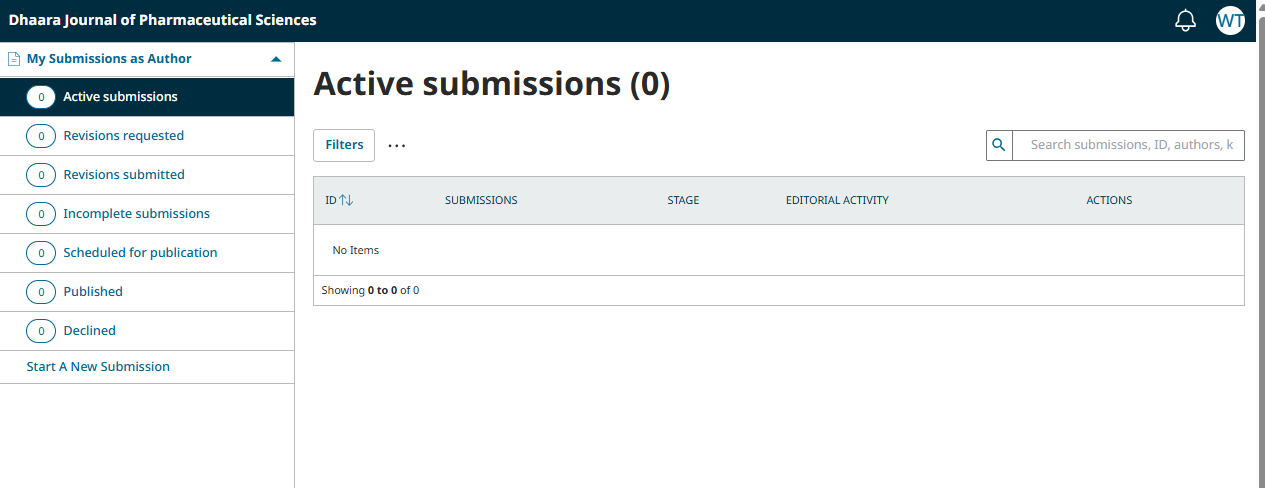
After Registration succesfull :
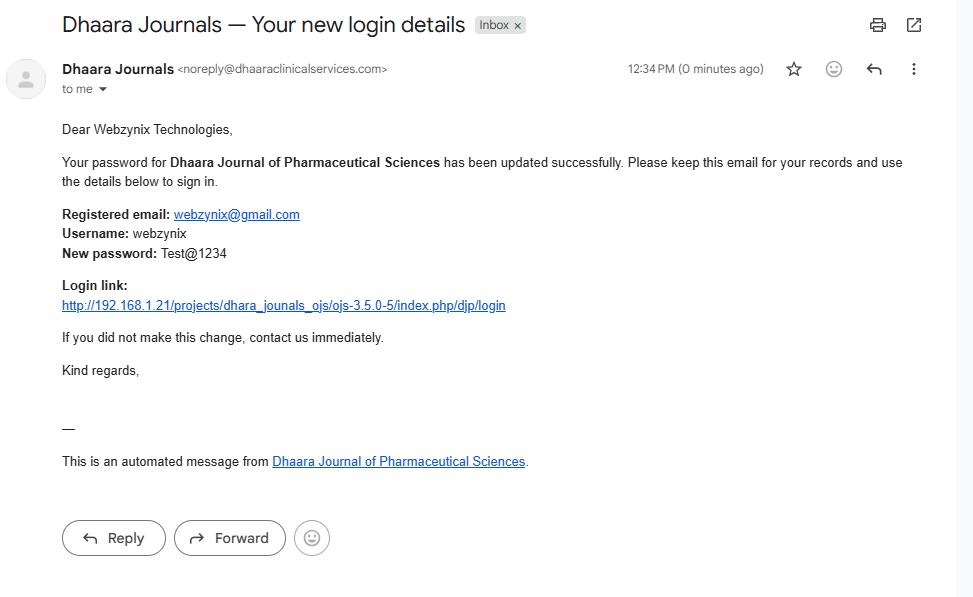
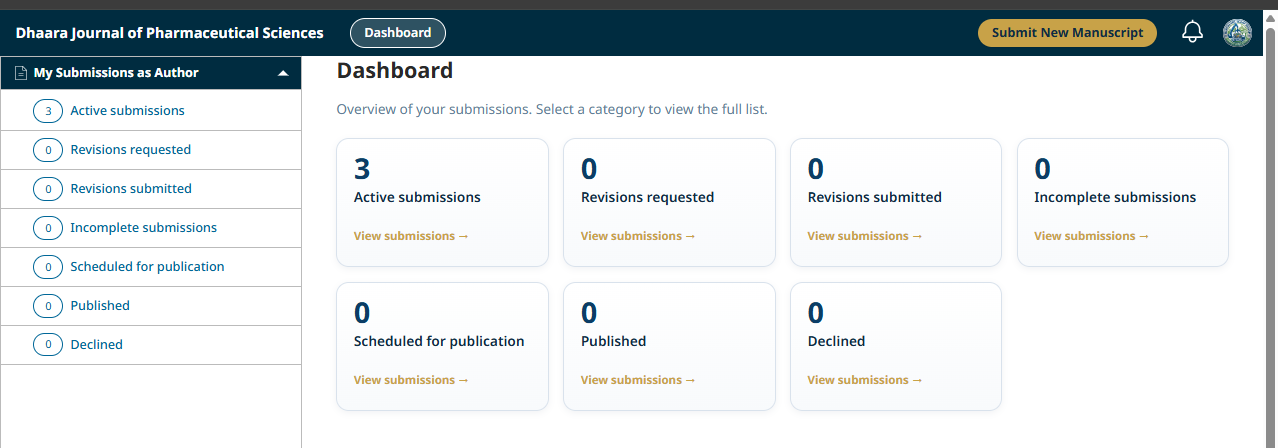
-> Automatically user will login to dashbord page
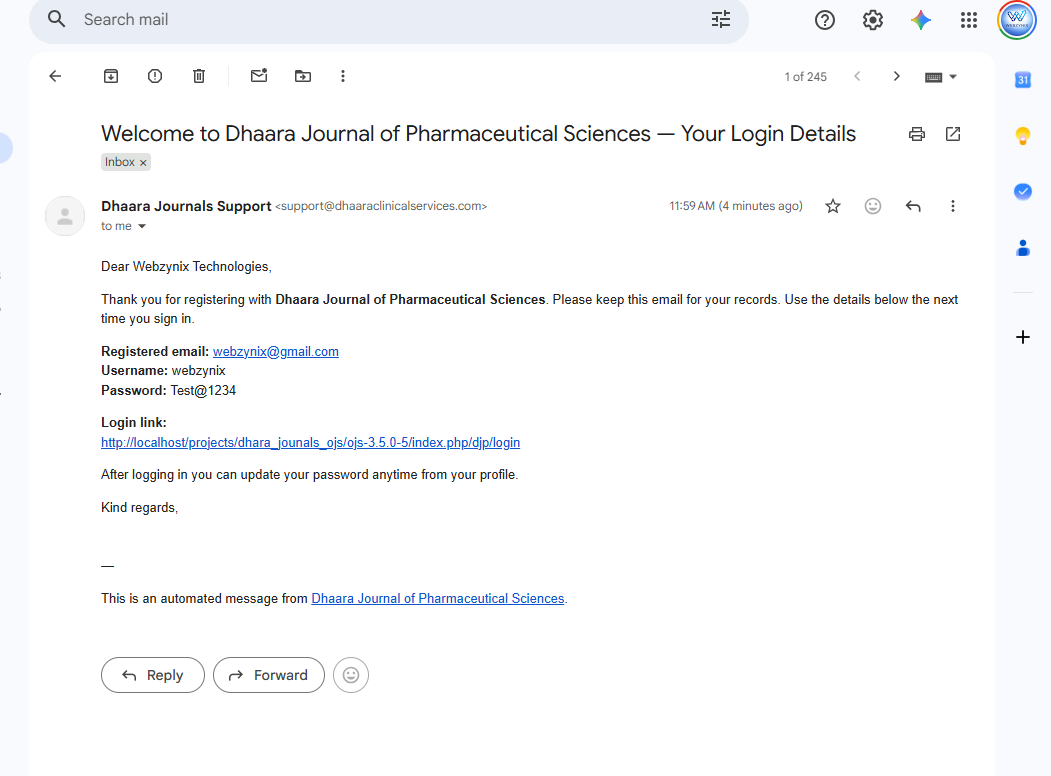
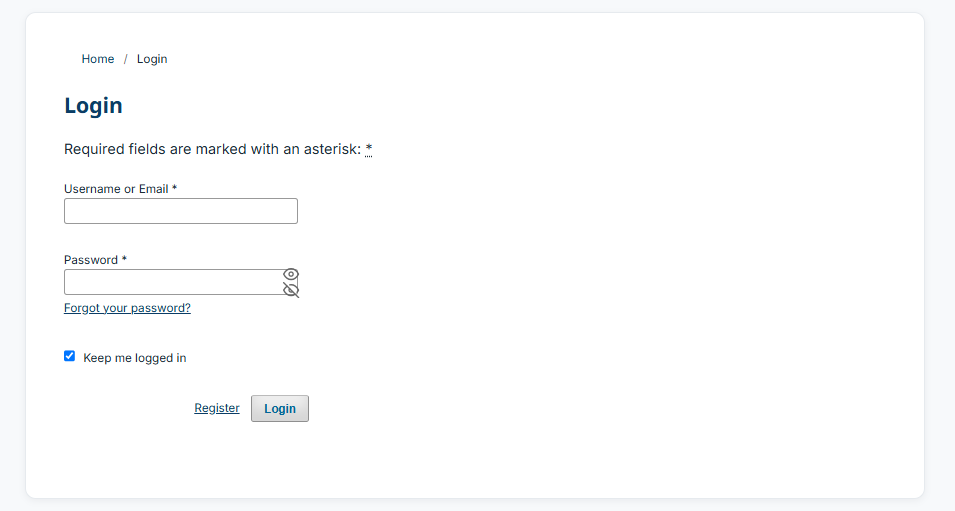
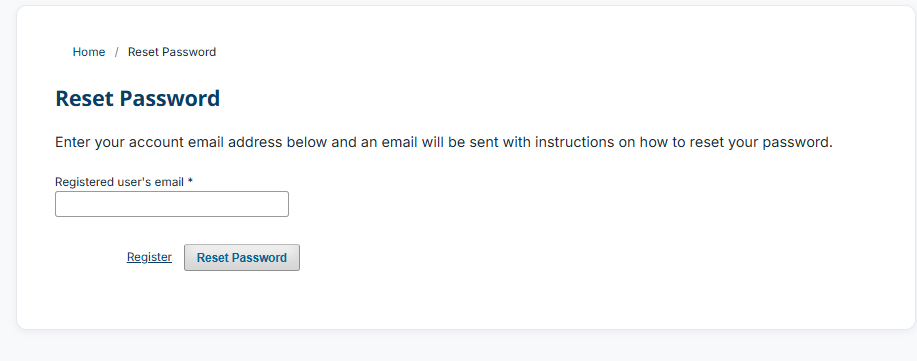
-> Mail will trigger with login url page link and also Usename & password
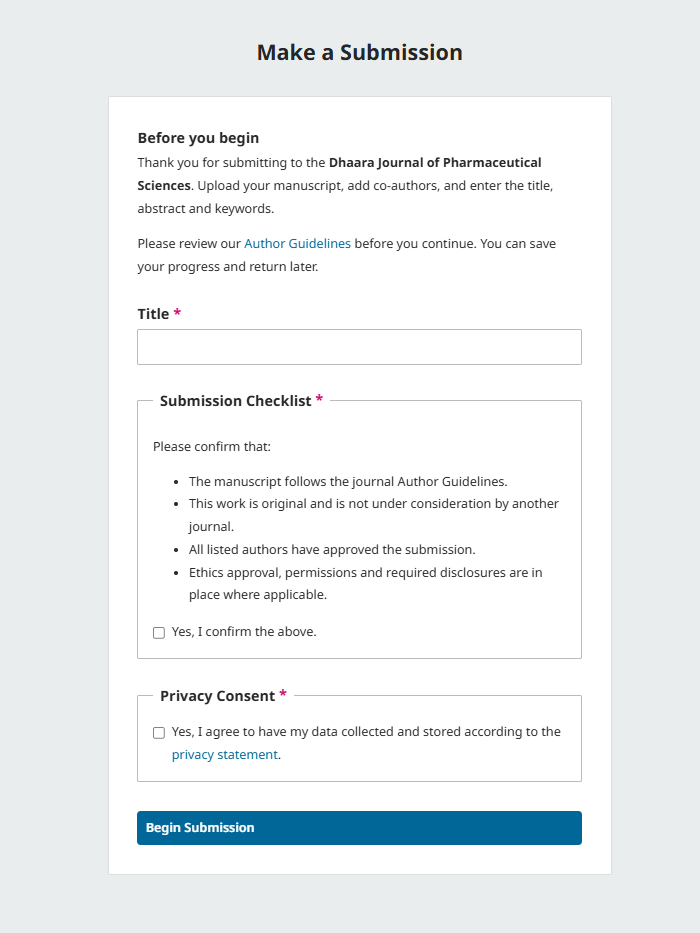
Make a Submission: Details
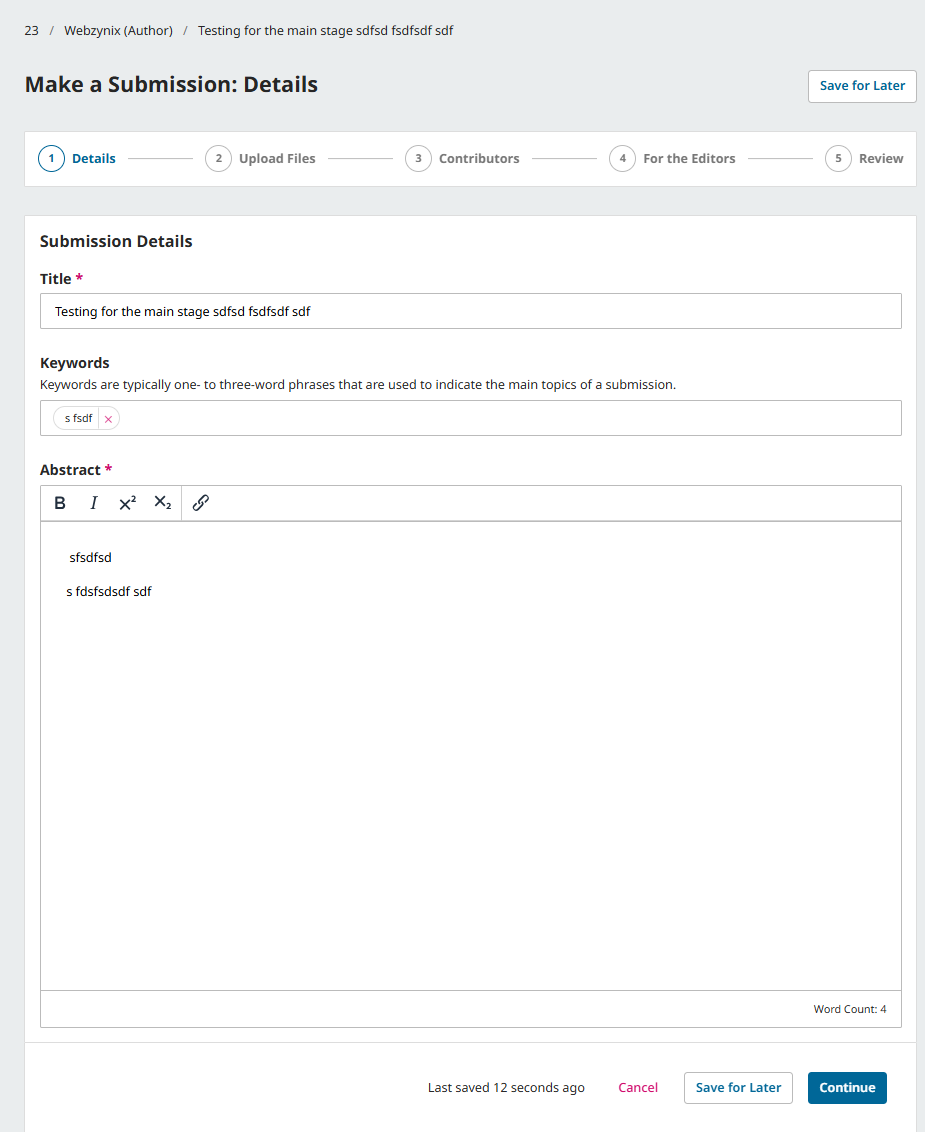
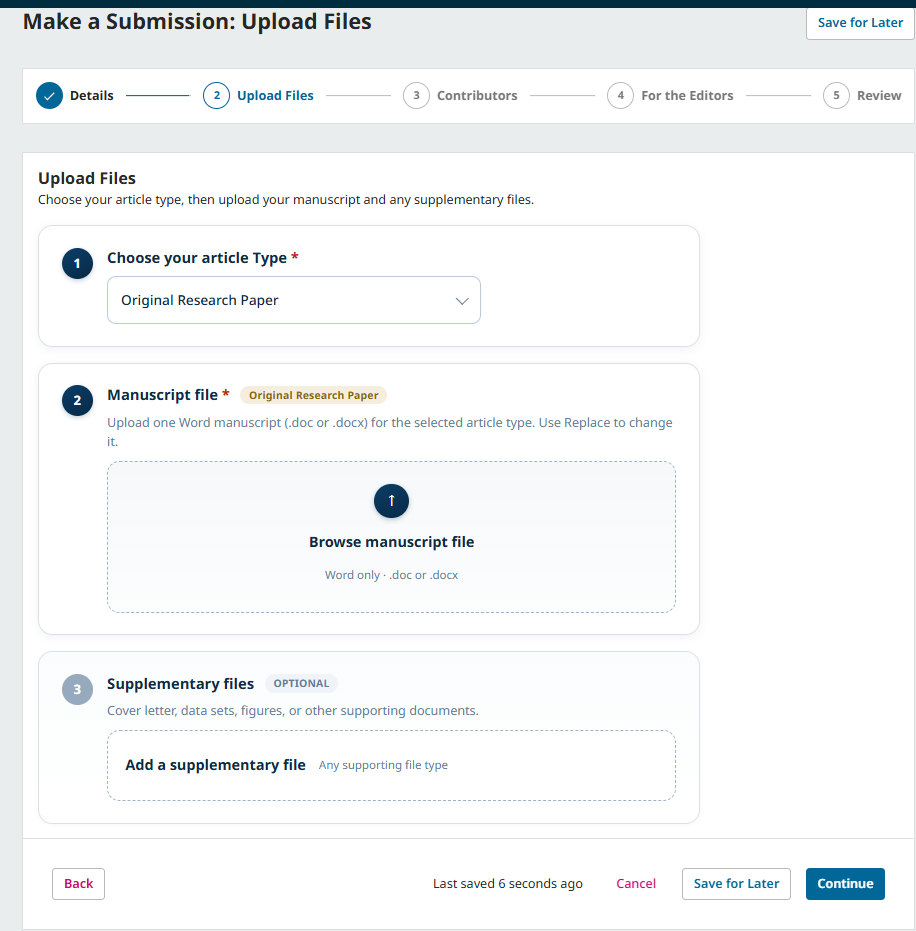
Make a Submission: Upload Files
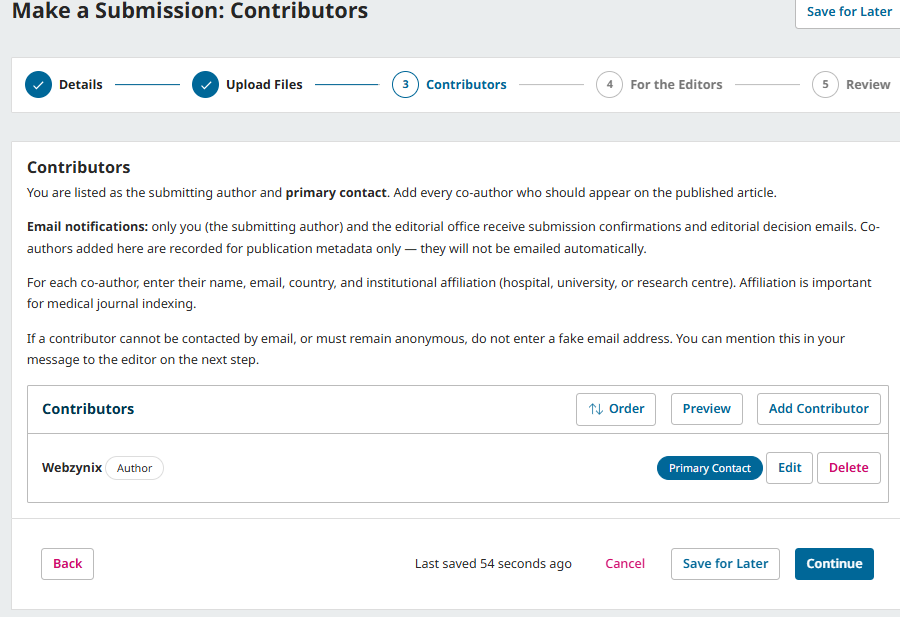
Make a Submission: Contributors
Make a Submission: For the Editors

Make a Submission: Review (1/2)
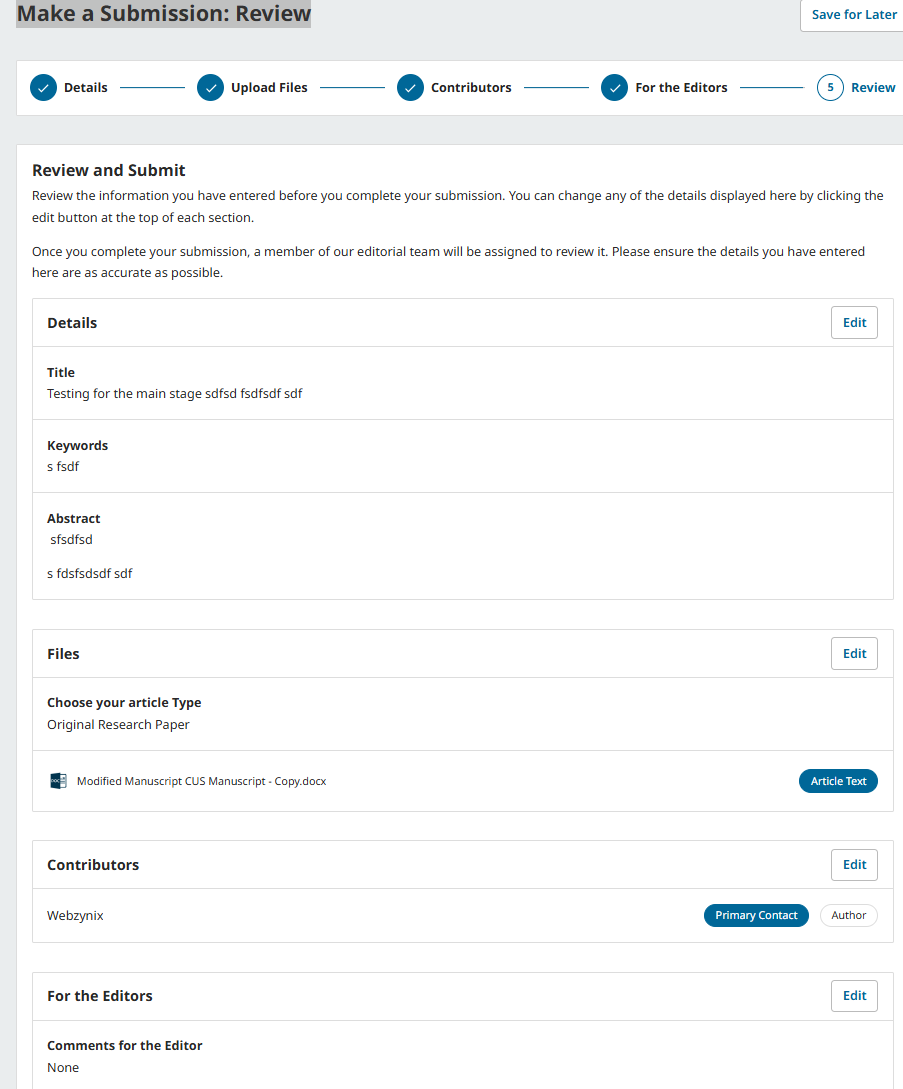
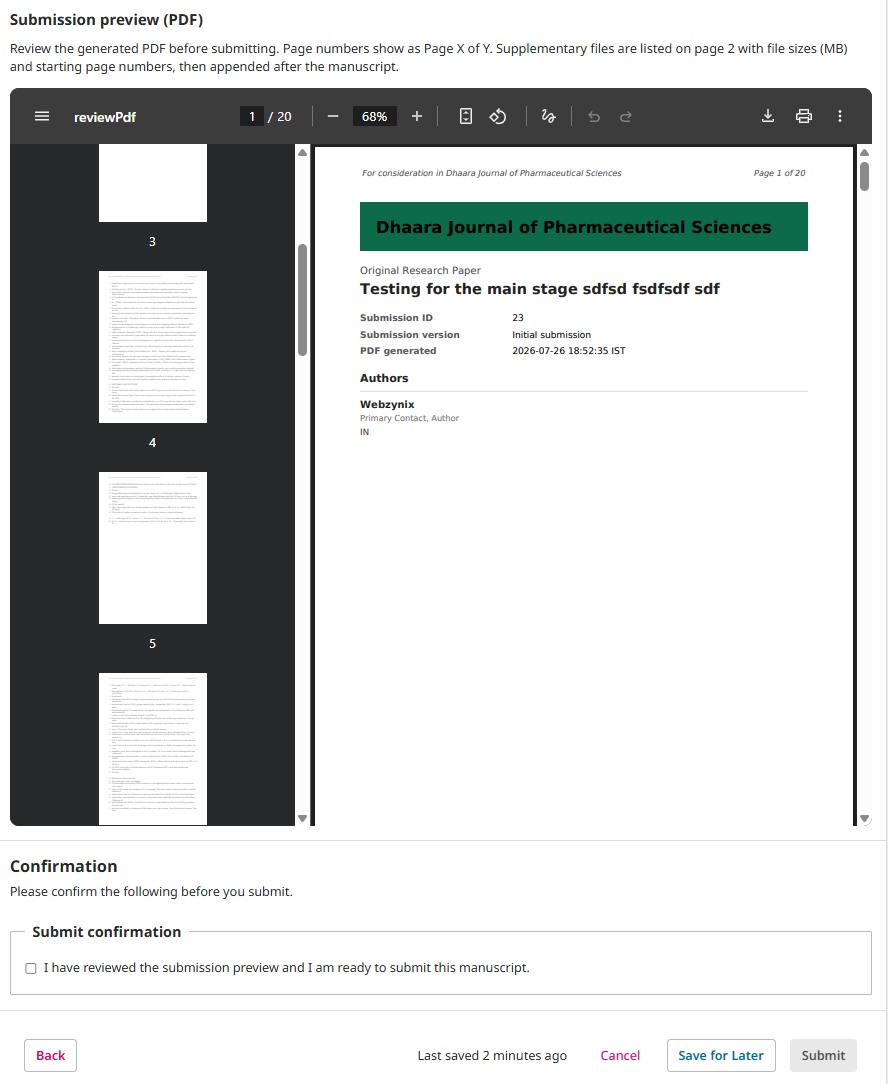
Make a Submission: Review (2/2)
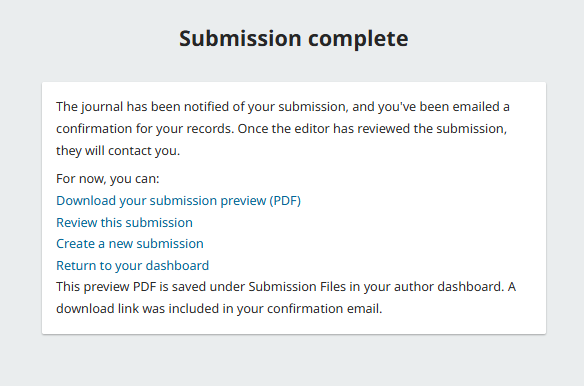
Submission complete Acknowledgement
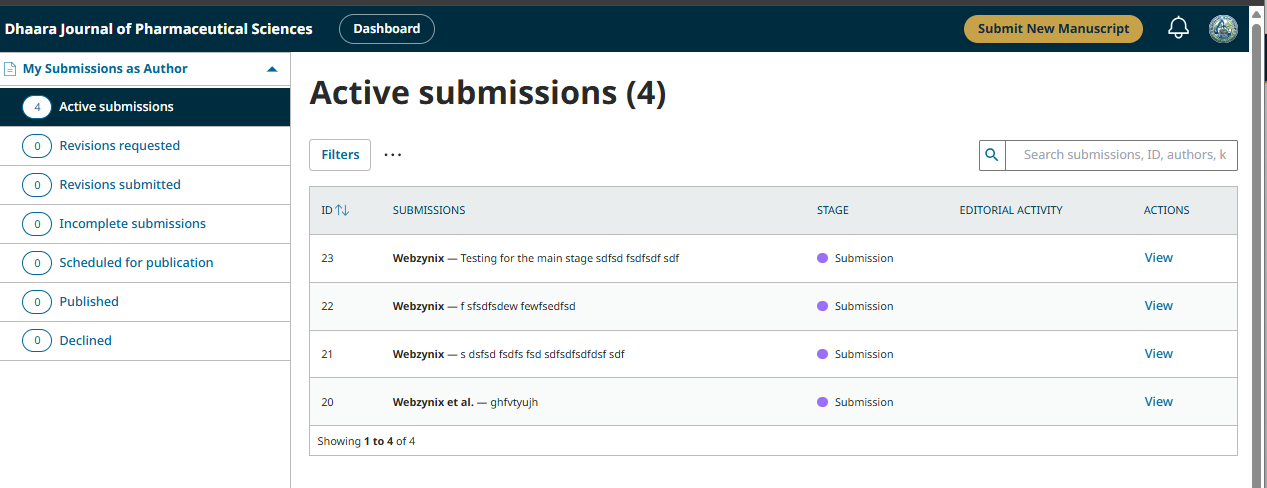
Active submissions
Stage: Incomplete / Submitted /
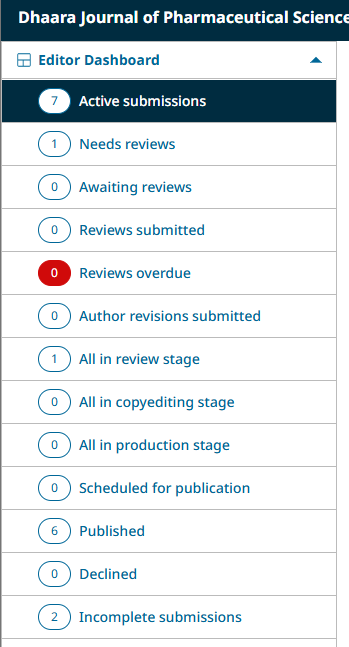
Here's what each item on your Editor Dashboard means:
Top list (submission queue, by status):
| Tab | What it shows |
|---|---|
| Active submissions | The master list — everything currently moving through your pipeline, at any stage. Your "see everything" view. |
| Needs reviews | Sent to review, but no reviewer has been assigned/invited yet — needs jeditor to pick someone. |
| Awaiting reviews | A reviewer has been invited and is working on it — nothing to do but wait. |
| Reviews submitted | The reviewer(s) turned in their report — ready for jeditor to read and make a decision. |
| Reviews overdue (shown in red) | A reviewer missed their due date — needs a nudge or reassignment. |
| Author revisions submitted | The author was asked to revise, and just sent the revised version back — ready for jeditor to look at. |
| All in review stage | Everything currently in Review, regardless of which of the above sub-statuses it's in — a broader "review stage only" view. |
| All in copyediting stage | Everything currently in the Copyediting stage (after review, before production). |
| All in production stage | Everything being formatted/prepared for final publishing. |
| Scheduled for publication | Fully finished, just waiting to be included in an issue. |
| Published | Live, publicly visible articles. |
| Declined | Rejected submissions. |
| Incomplete submissions | Drafts an author started but never actually finished submitting — the follow-up list we added, separate from real submissions. |
Rule of thumb for day-to-day use: jeditor mainly needs to check Active submissions (everything at a glance), Needs reviews / Reviews submitted / Reviews overdue (things that need action right now), and Incomplete submissions (chasing authors). The "All in [stage]" ones and Published/Declined are more for reference/history than daily action.
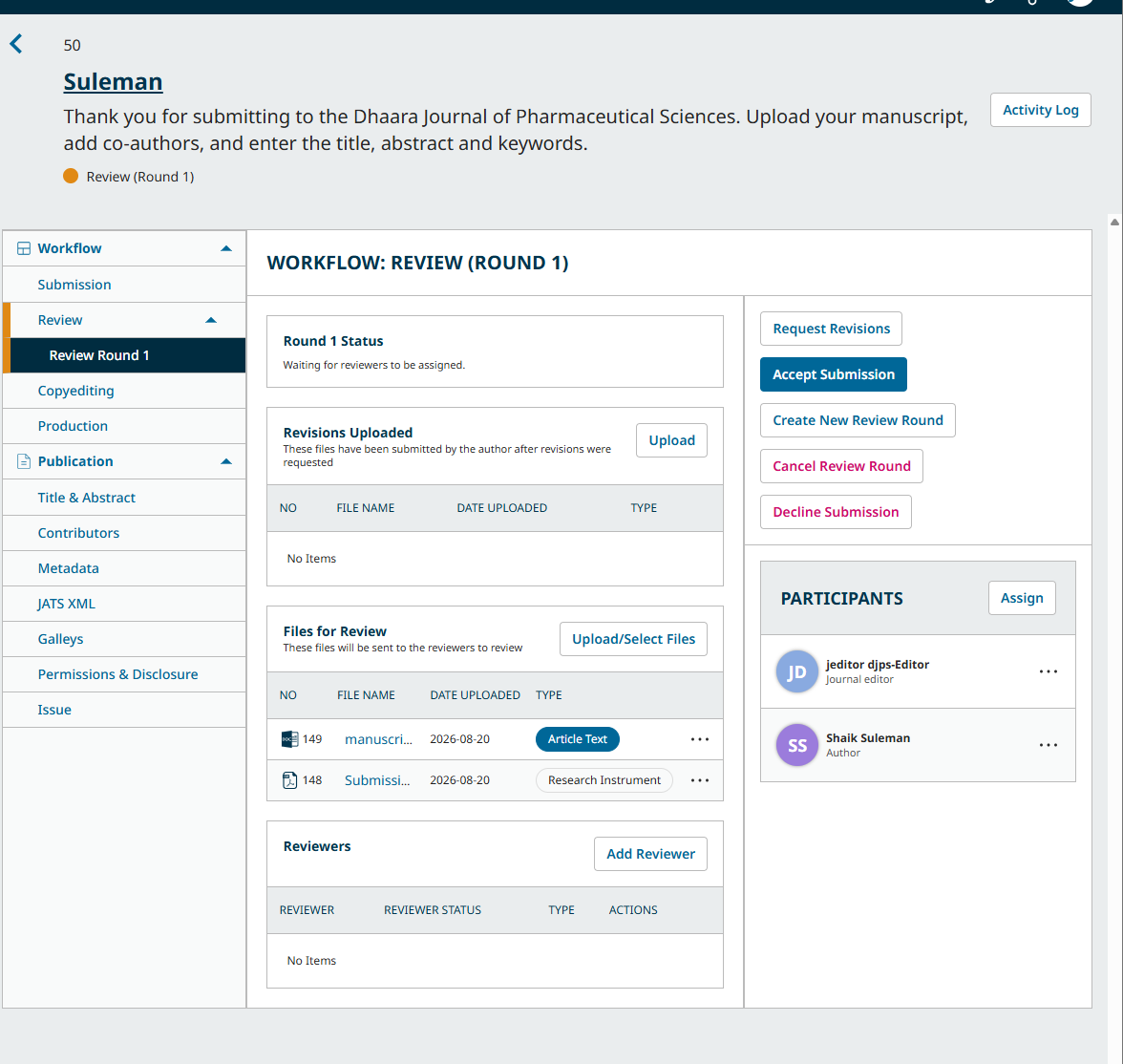
How to send for review :
1) From the Active submission -> Click on view button

2) then click on Send for Review button
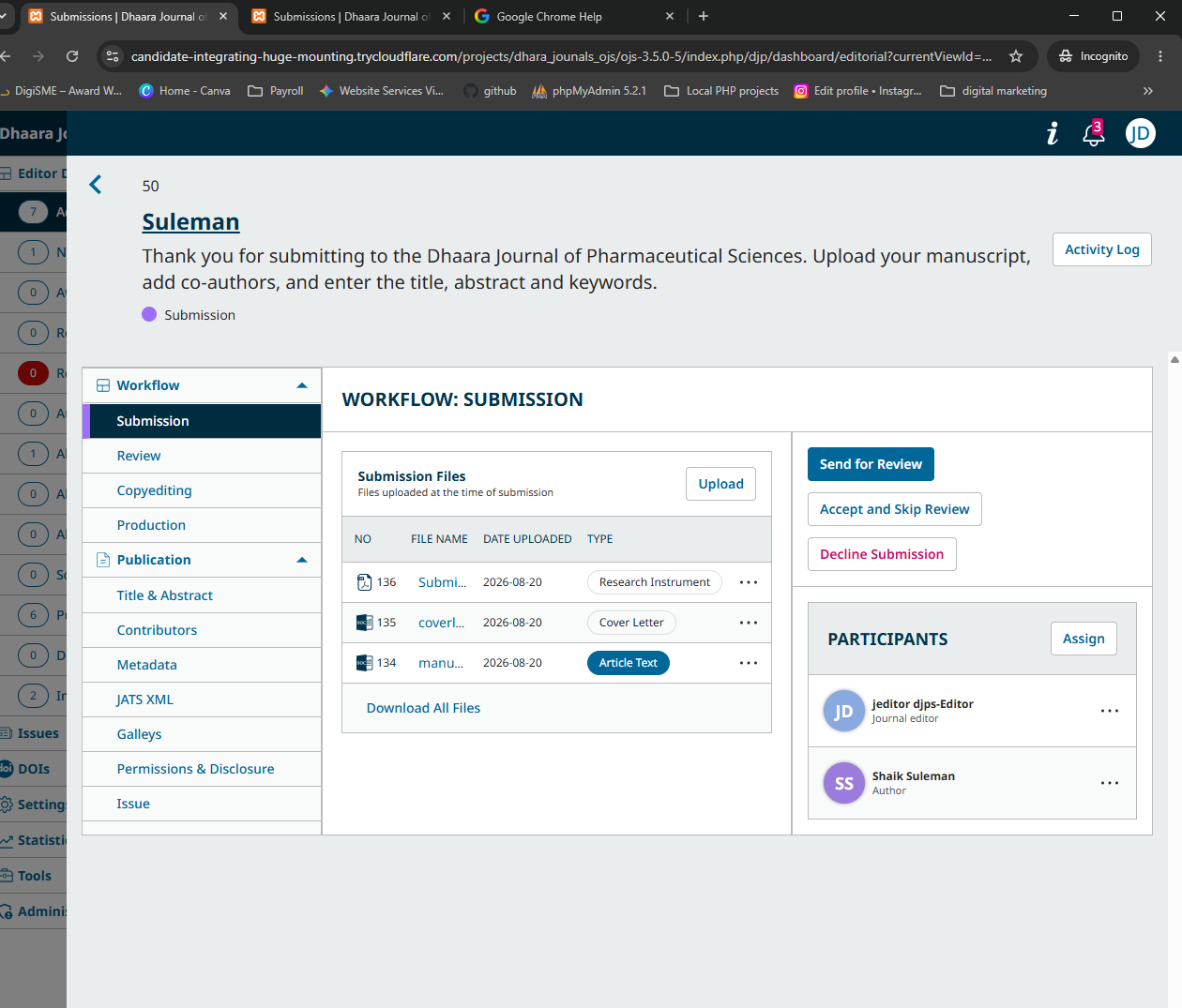
3) Then click on "Add Reviewer"

- Anonymous Reviewer/Anonymous Author (double-blind) — neither side knows who the other is. Most common in academic journals, and matches what your own "Review Guidelines" page already states: "Dhaara Journal of Pharmaceutical Sciences uses a double-blind review process, in which the identities of the author and the reviewer are not disclosed to one another."
- Anonymous Reviewer/Disclosed Author (single-blind) — the reviewer knows who wrote it, but the author never learns who reviewed it.
- Open — both sides know each other's identity.
Comments
No comments yet.